Transcrição YouTube grátis — extraia o texto do seu vídeo YouTube
Cole a URL de um vídeo YouTube ou de um Short e receba na hora a transcrição completa. Extração das legendas nativas ou geração por IA se não houver.
Extrai a transcrição
Por que usar nosso Transcrição de Vídeo YouTube?
Subtitles + AI
Extraction of native YouTube subtitles, with AI transcription fallback.
Cached results
Transcriptions are stored for instant access on subsequent requests.
Shorts and long videos
Works for all YouTube formats, from 15 seconds to several hours.
Multilingual
Automatic language detection — English, French and main languages.
Outras ferramentas YouTube gratuitas
Ver todasDescubra nossas outras ferramentas gratuitas para otimizar sua presença no YouTube.
Funcionalidades relacionadas
How do I extract a YouTube video's transcript?
YouTube transcription lets you get the full text of what's said in a video — whether it's a 60-second Short or an hour-long tutorial. It's become an essential tool for creators, students, marketers and anyone who wants to exploit video content in text form.
Transcribe a YouTube video to text to boost your Google SEO
Every YouTube video you publish contains untapped textual content. By transcribing your videos with Vervox, you recover a complete text that you can turn into a blog article optimised for Google SEO. This video-to-text recycling strategy lets you rank on both YouTube and Google, doubling your discoverability surface without creating additional content. Creators and businesses that use this technique capture organic traffic from two channels with a single production effort. The Vervox transcript gives you a solid writing base that you can enrich and structure into an optimised article in a few minutes.
Save time on long videos thanks to automatic transcription
Watching an hour-long conference or a 45-minute video podcast to extract the key points is time-consuming. Vervox's YouTube transcription gives you the full text in seconds — you can then search by keyword, copy relevant passages and ignore the rest. It's a huge time-saver for students revising, marketers analysing competitor webinars, and creators who want to summarise long content into short format. Vervox's caching guarantees instant access to already-generated transcriptions, which makes the tool even faster for popular videos that multiple users transcribe.
How does YouTube transcription work?
The Vervox tool uses a two-step approach. First, it looks for YouTube's native subtitles — those auto-generated by the platform or manually added by the creator. If subtitles exist, they are extracted instantly. If no subtitles are available, Vervox automatically switches to AI transcription, which analyses the video's audio to extract the spoken text. In both cases, you get a complete transcript in seconds.
Does it work with YouTube Shorts?
Yes — the tool transcribes YouTube Shorts exactly like long videos. Paste the Short URL (youtube.com/shorts/... or youtu.be/...) and transcription launches automatically. For Shorts, the tool first extracts YouTube's native subtitles (when they exist) — which gives an almost instant result. If the creator hasn't activated subtitles, AI generates the transcription from the audio.
Which languages are supported for YouTube transcription?
The tool first uses YouTube's native subtitles (available in the video's original language). If no subtitles exist, AI transcription takes over and supports English, French, Spanish, German, Portuguese and most common languages.
What is a YouTube transcript for?
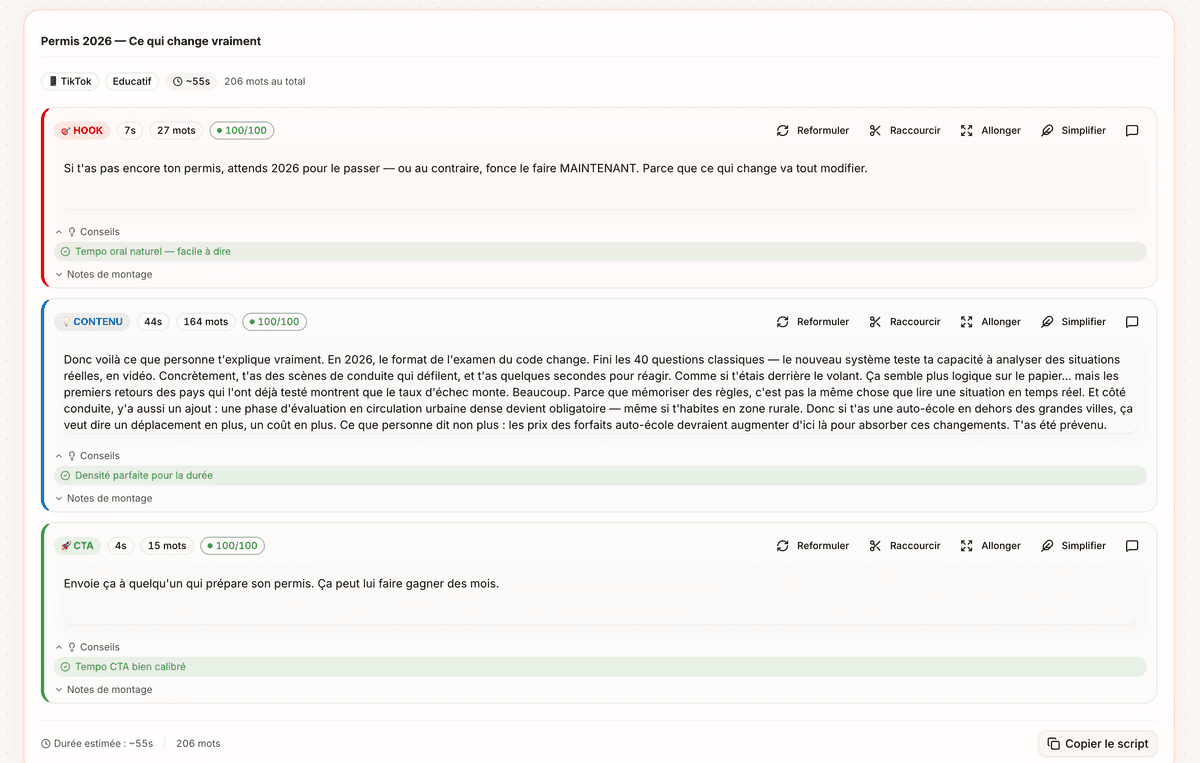
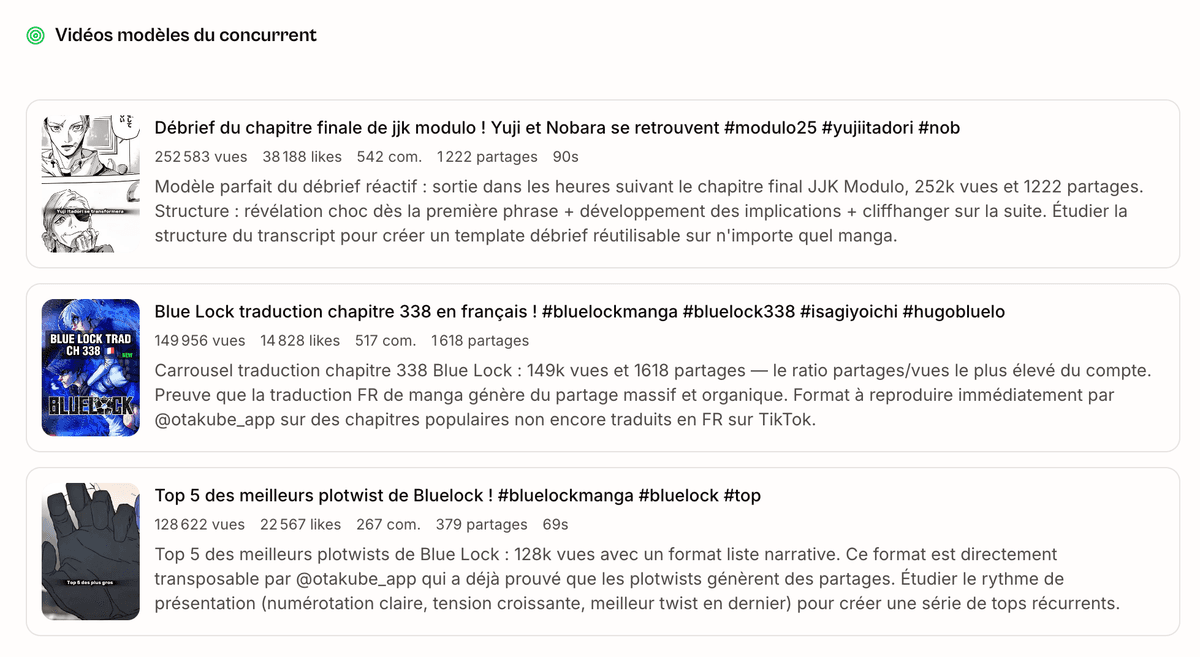
The uses are numerous and varied. You can analyse a competitor's script to understand the structure of their performing videos — hook, build-up, call-to-action. You can recycle a video into a blog article, a LinkedIn post or a newsletter, using the transcript as a writing base. You can summarise the content of a long tutorial or a conference to extract the key points without re-watching everything. You can also create custom subtitles from the text transcribed by Vervox.
How accurate is YouTube transcription?
Vervox's YouTube transcription automatically detects the video's language and works in English, French and the main languages. YouTube's native subtitles generally offer good accuracy, especially when the voice is clear and without significant background noise. AI transcription is an excellent complement for videos without subtitles. Vervox also offers Instagram and TikTok video transcription with the same engine — perfect if you work across multiple platforms and want to centralise your transcripts and analyses in one place.
Does transcription work for long YouTube videos?
The same tool works for Shorts and long videos. For a Short, the transcript is short and you get it almost instantly. For a long video (30 minutes, 1 hour or more), transcription takes a bit more time but stays fast thanks to caching: once a video is transcribed, the result is stored and you access it instantly on subsequent requests.