Genera la descrizione perfetta per il tuo video TikTok
Descrivi l'argomento del tuo video, scegli lo stile e ottieni 3 descrizioni ottimizzate con hook d'impatto, call-to-action e hashtag strategici. Pronte da copiare e incollare.
Genera la tua descrizione
Perché usare il nostro Generatore di Descrizioni TikTok?
3 styles per generation
Get 3 captions in different tones so you can pick the one that fits.
Catchy hooks
Each caption opens with a hook optimised to capture attention.
TikTok-SEO optimised
Keywords integrated naturally to appear in TikTok search results.
Hashtags included
3 to 5 strategic hashtags added to every generated caption.
Altri strumenti TikTok gratuiti
Vedi tuttiScopri gli altri strumenti gratuiti per ottimizzare la tua presenza su TikTok.



Funzionalità correlate
How do I write a TikTok caption that performs?
The TikTok description (or caption) is much more than text under your video — it's a real distribution lever. The TikTok algorithm analyses the keywords in your description to understand the topic of your video and distribute it to the right people via TikTok SEO Search. A well-written description increases your discoverability and can make the difference between a video that stalls and one that takes off.
TikTok caption ideas to boost engagement
The best TikTok captions are the ones that start a conversation. Ask your audience a question ("What do you think?"), create a debate ("I know it's controversial but..."), or use a curiosity hook ("The last tip changed my life"). Vervox generates captions with hooks tailored to your niche and brand tone — informative, humorous or inspirational. Each caption includes a natural CTA that drives interaction without feeling forced.
How do I write a good TikTok caption?
An optimised TikTok caption follows a proven four-part structure. First, a catchy hook in the first 2-3 lines — they're the only ones visible before the user clicks "more", so they must grab attention immediately. Then a body that provides context or added value to your video. Next, a clear call-to-action that drives interaction: follow, comment, share or save. Finally, 3 to 5 strategic hashtags that help the algorithm categorise your content. The Vervox TikTok caption generator produces 3 complete captions in different styles, ready to copy and paste.
Should I add hashtags in the TikTok caption?
Yes, but integrate them naturally at the end of the caption rather than in a separate block. TikTok Search uses the full caption (text + hashtags) to index your video. Ideally: write catchy text with a hook and CTA first, then add 3-5 strategic hashtags at the end.
Does the TikTok caption influence the algorithm?
TikTok has become a real search engine, especially among Gen Z. The keywords in your caption determine which queries your video appears for in TikTok search results. Integrate the terms your target audience searches for naturally — no keyword stuffing, but natural phrases that include your main keywords. The Vervox generator automatically optimises captions for TikTok SEO by incorporating the right terms.
What's the ideal TikTok caption length?
TikTok allows up to 2,200 characters for your caption, but only the first 2-3 lines are visible without clicking "more". Put your hook and CTA at the top. Use the remaining space for hashtags and additional context. Captions between 100 and 300 characters (excluding hashtags) are the sweet spot: long enough for SEO, short enough to be read. Vervox calibrates every generated caption in that optimal range.
What's the difference with the script generator?
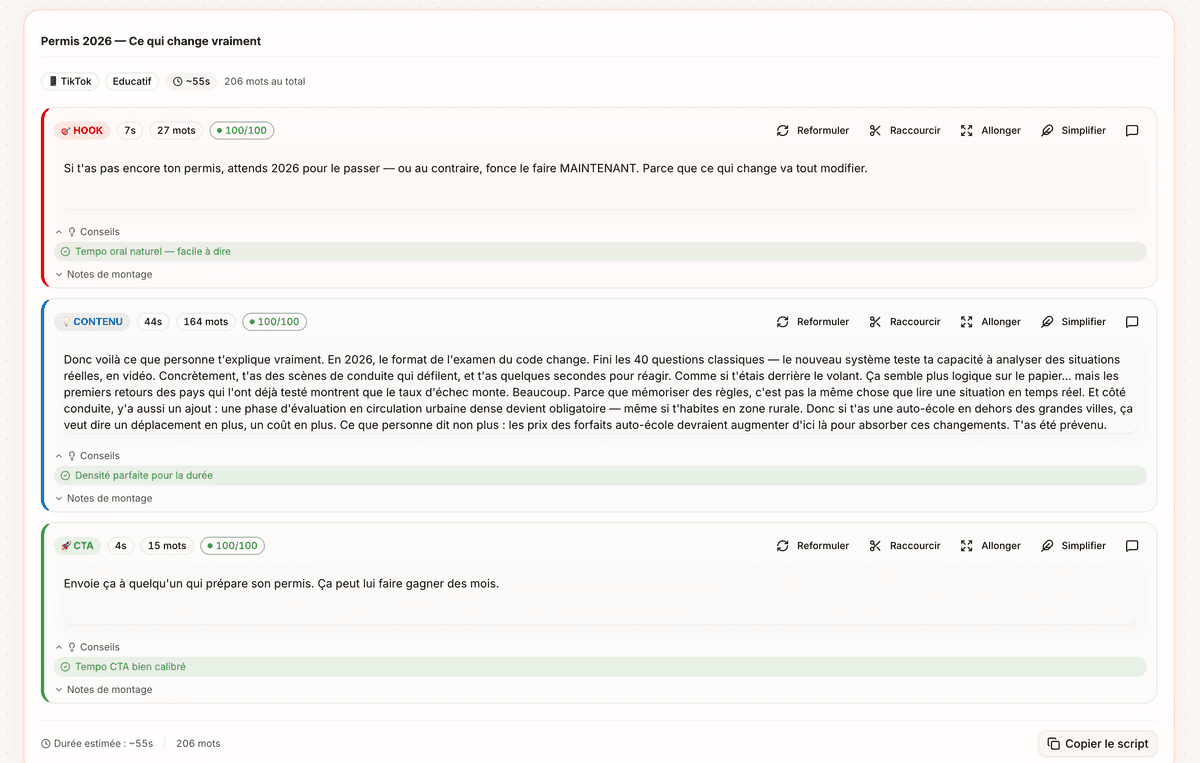
The script generator creates the spoken content of your video (what you say to camera). The caption generator creates the text that accompanies your published video (the visible caption under the video with hashtags and CTA).
Should I write my TikTok caption before or after filming?
Ideally, write your caption after filming, when you know exactly what your video contains. That lets you write a hook that matches the actual content and integrate the right SEO keywords. With Vervox, you simply describe the topic of your video and get 3 optimised captions in seconds — faster than writing it yourself.