TikTok publishing
Publish and cross-post in one click
Vervox Publication lets you post your videos and carousels directly to TikTok from your computer, without leaving your workflow. Upload your video (MP4, MOV, AVI, WebM), add your description, hashtags and pinned first comment, then send as a TikTok draft or publish directly. Automatic cross-posting reposts your content to Facebook Reels, YouTube Shorts and Instagram Reels in one click. The AI generates SEO-optimised descriptions for each platform. From idea to multi-platform publish, everything happens inside Vervox.
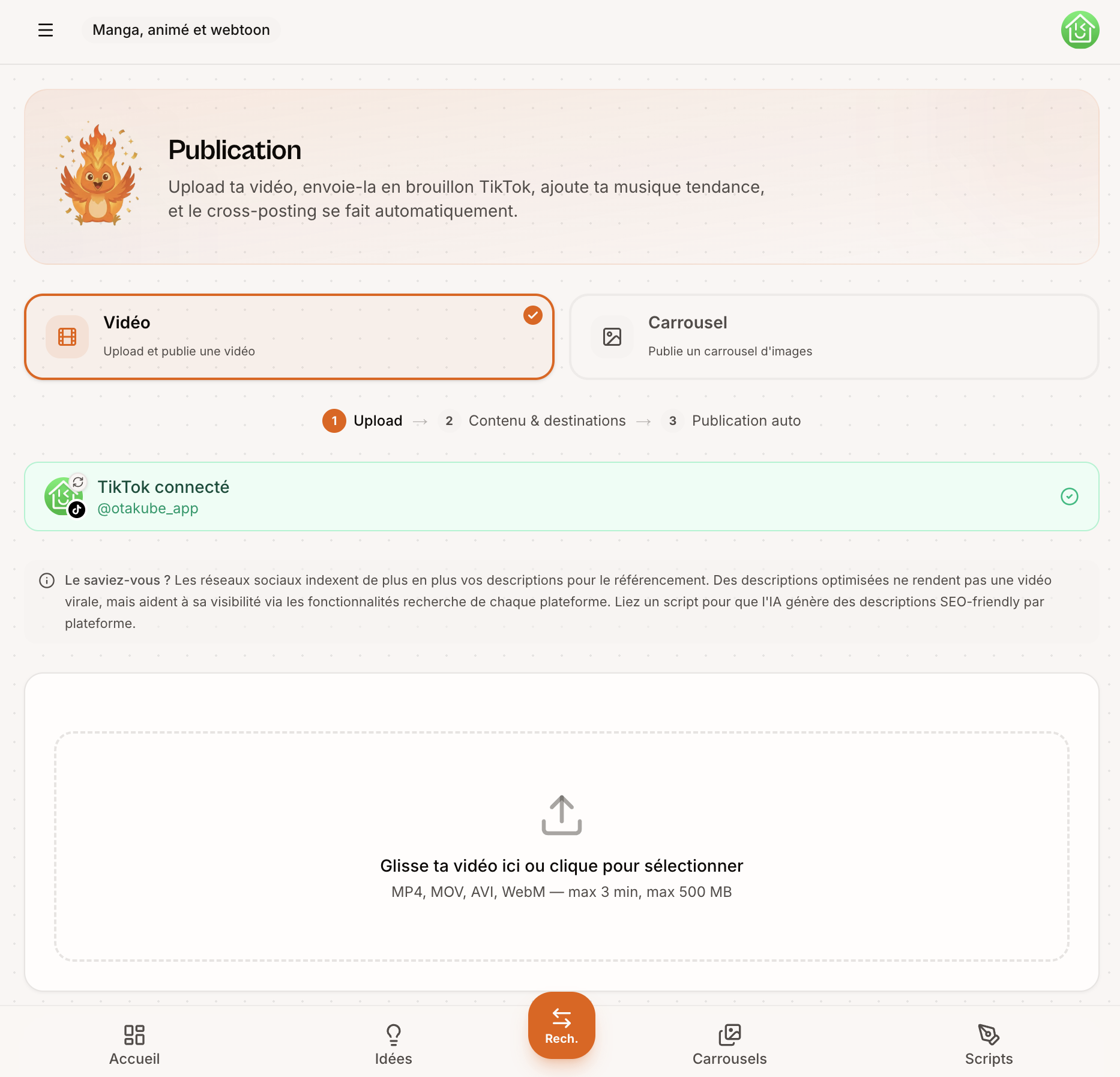
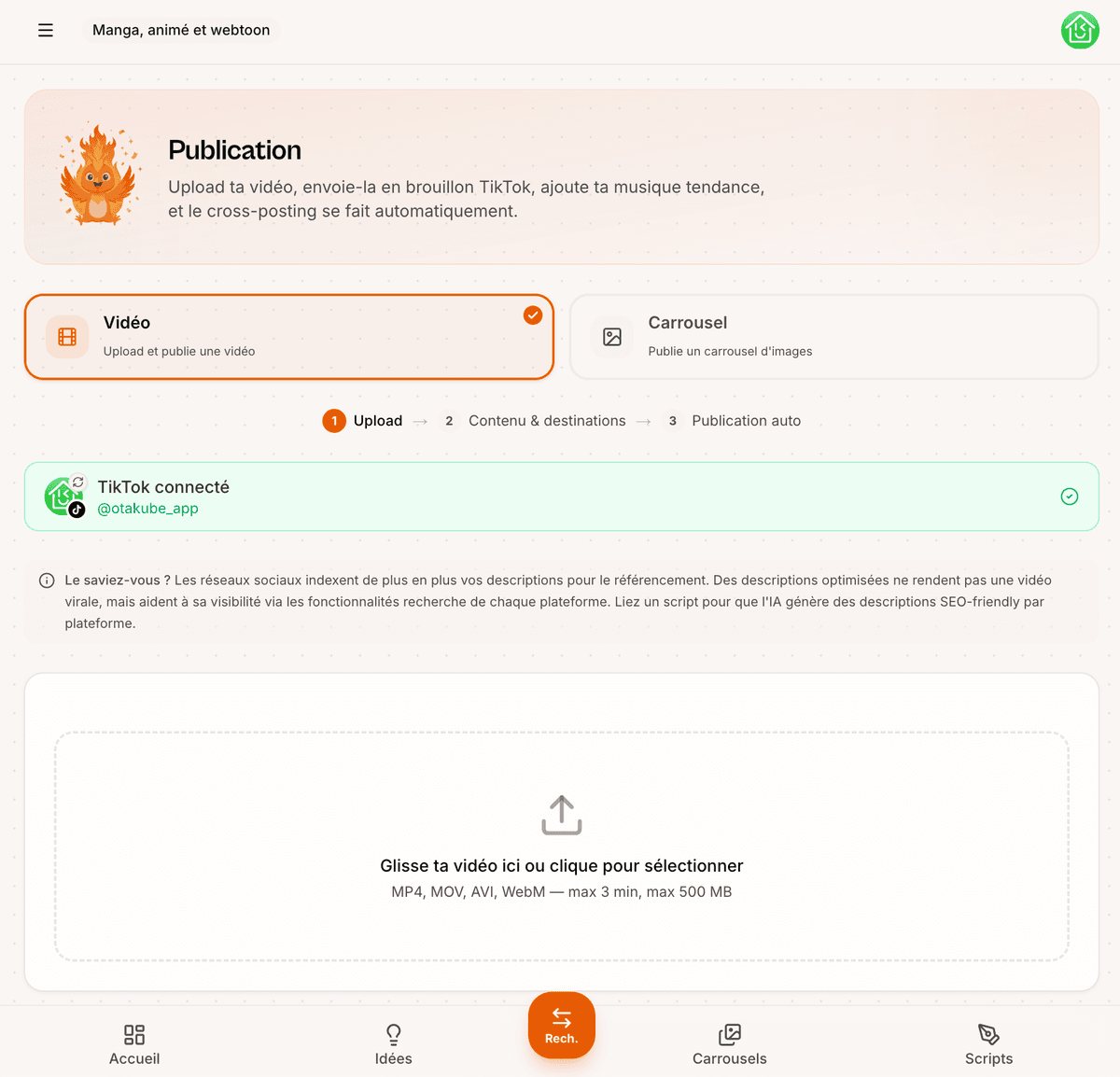
How to post to TikTok from your computer
Upload your video
Drop your video or carousel into the upload zone. Accepted formats: MP4, MOV, AVI, WebM (max 3 min, 500 MB).
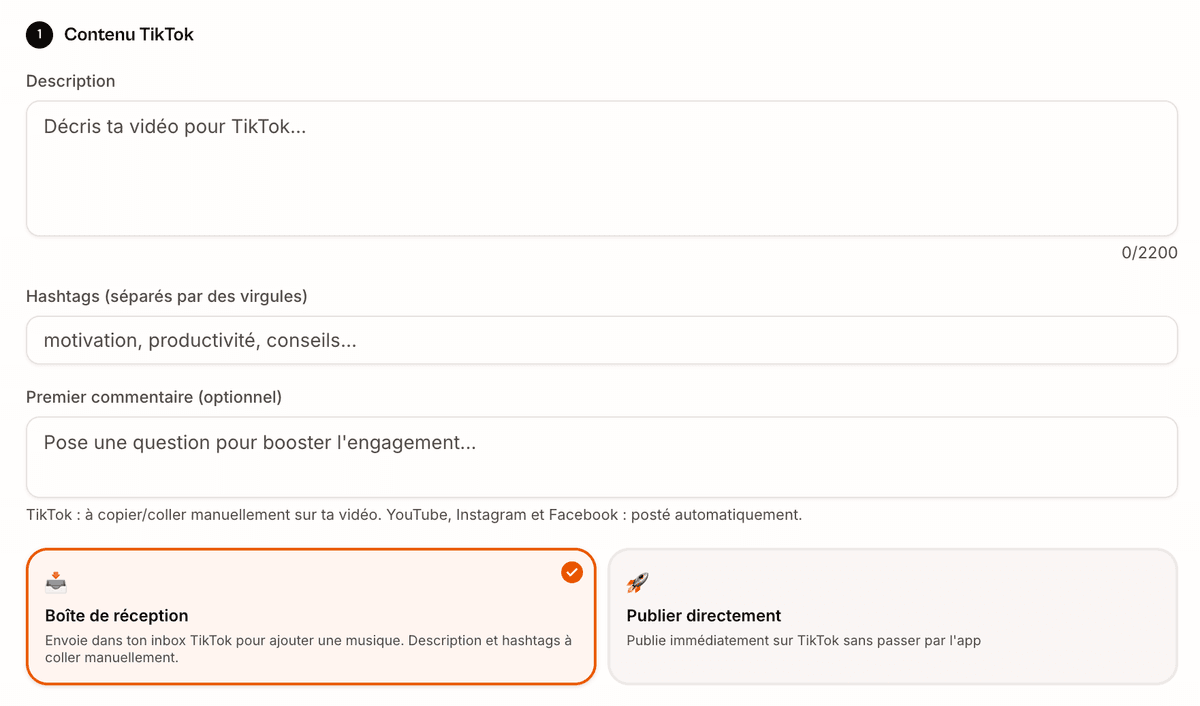
Add your content
Fill in the TikTok description, hashtags and pinned first comment. The AI can generate SEO-friendly descriptions for you.
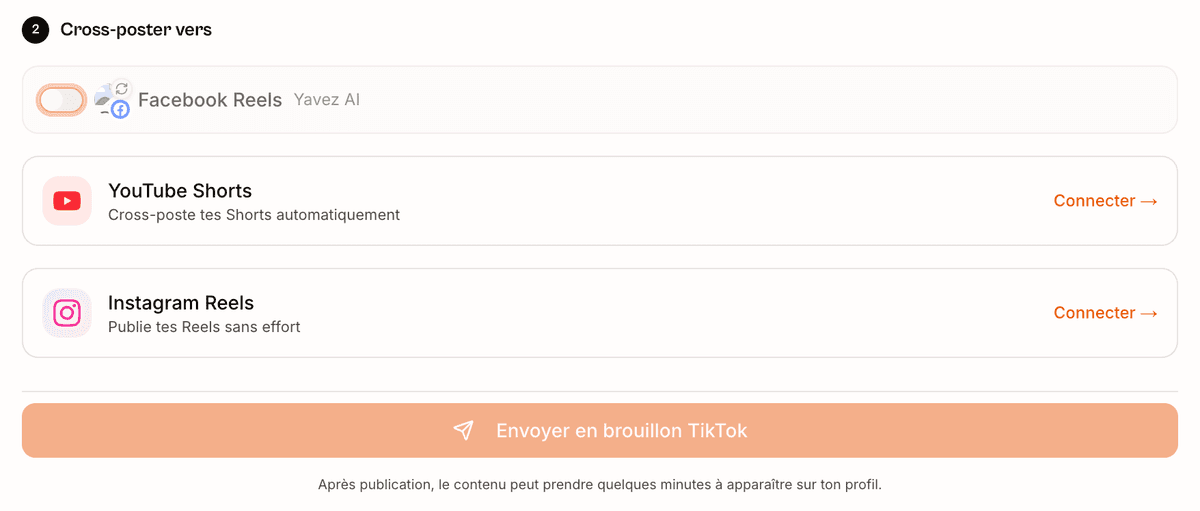
Publish and cross-post
Send as a TikTok draft or publish directly. Cross-posting automatically reposts to Facebook, YouTube and Instagram.
Why use Vervox to publish on TikTok
Draft or direct publish
Send your video to your TikTok inbox to add a trending sound, or publish directly without opening the app.
Automatic cross-posting
Automatically repost your content to Facebook Reels, YouTube Shorts and Instagram Reels. Connect your accounts and you're done.
AI-generated SEO descriptions
The AI generates descriptions optimised for each platform's search, with the right keywords and hashtags.
Videos and carousels supported
Post videos (MP4, MOV, AVI, WebM — max 3 min) or image carousels, all from the same interface.